Text to video is no longer just a demo feature. It is becoming part of real creator workflows for YouTube, Shorts, ads, product promos, and faceless storytelling. In the current market, a few names stand out for raw model quality, while others matter more because they turn generation into a repeatable publishing workflow.
Artificial Analysis currently shows HappyHorse-1.0 and Dreamina Seedance 2.0 near the top of its text-to-video leaderboard, while Google’s Veo 3 and Veo 3.1 remain some of the most visible premium models in the category.
Tool List
1 Videoinu
2 HappyHorse
3 Seedance
4 Veo
5 Kling AI
6 Sora
7 Runway
8 InVideo AI
9 PixVerse AI
10 Hailuo AI
Videoinu——For Repeatable Text to Video Workflows
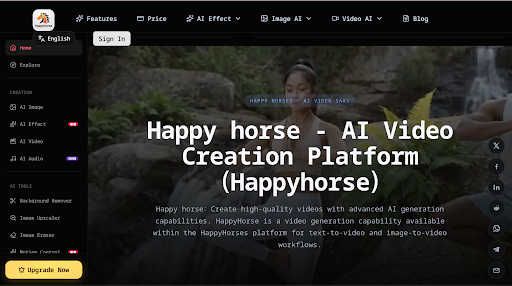
Videoinu is a strong fit for creators who want to try the best text to video generation. It makes more sense for recurring formats such as faceless channels, story-led videos, and repeatable social content than for one-off prompt experiments. If your goal is not just to make one clip, but to keep publishing around a format, that difference matters.
It is especially useful for creators who think in workflows instead of single outputs. A lot of text to video tools can make something impressive once. Videoinu feels more practical when you want to keep testing hooks, producing story-style clips, or building a channel around regular AI video output.
Pros
- Good fit for repeatable text to video workflows
- Useful for faceless and story-led formats
- Better aligned with ongoing channel output
- Practical for creators who publish often
Cons
- Less appealing if you only want a quick one-off test
- Best value comes with a clear content plan
- Some users may prefer going directly to model-native tools
HappyHorse——For Top-Ranked Raw Quality
HappyHorse is one of the biggest names to watch right now because HappyHorse-1.0 currently leads Artificial Analysis in text to video quality. Artificial Analysis shows it at the top in both with-audio and without-audio rankings, and public HappyHorse materials describe 1080p output plus synchronized audio generation from text or image prompts.
That makes HappyHorse especially interesting for creators who care first about raw generation quality. If your goal is to test what is currently one of the best-performing text to video models rather than work inside a broader editing suite, this is one of the most important names in the market.
Pros
- Currently one of the top-ranked text to video models
- Strong reputation for raw generation quality
- Supports audio-video generation
- Good fit for creators chasing model performance first
Cons
- More model-centric than workflow-centric
- Access paths are less mature than older creator platforms
- Better for generation quality than full publishing support
Seedance——For Control, Motion, and Audio
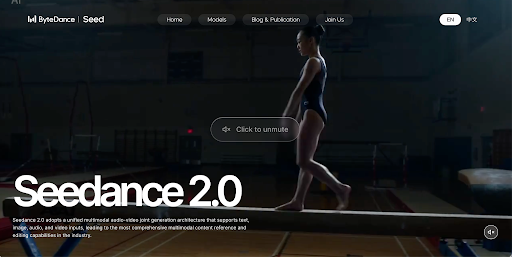
Seedance belongs near the top because Dreamina Seedance 2.0 sits just behind HappyHorse on Artificial Analysis, and ByteDance highlights motion stability, audio-video generation, and control over camera movement, lighting, and performance. Seedance 2.0 also supports mixed multimodal inputs, including images, video clips, audio clips, and natural language instructions.
That makes Seedance one of the strongest current options for creators who want quality without giving up direction. It is especially appealing when your prompts involve camera movement, atmosphere, or more cinematic motion instead of simple static scenes.
Pros
- Near the top of current text to video rankings
- Strong motion stability and audio-video generation
- Good camera and performance control
- Useful for cinematic prompt design
Cons
- Still more model-first than workflow-first
- Better for creators who like directing prompts in detail
- Can feel more advanced than beginner tools
Veo——For Premium Text to Video Output
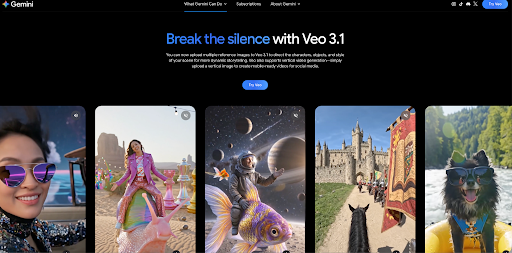
Veo is one of the biggest mainstream names in AI video. Google DeepMind presents Veo 3 as a top-end video model with native audio generation, while Gemini now offers Veo 3.1 and Veo 3.1 Fast in creator-facing workflows. Artificial Analysis also tracks Veo among the major video models in the category.
That makes Veo a natural choice for creators who care about premium-looking text to video results. It is especially strong for polished brand content, ad-style visuals, and clips where realism and sound matter as much as prompt response.
Pros
- Strong premium visual reputation
- Good fit for polished creator and brand content
- Supports native audio generation
- Backed by a major ecosystem
Cons
- Can be more than needed for simple social posts
- Access paths vary by product and plan
- Less lightweight than quick consumer apps
Kling AI——For Directed Prompt Control
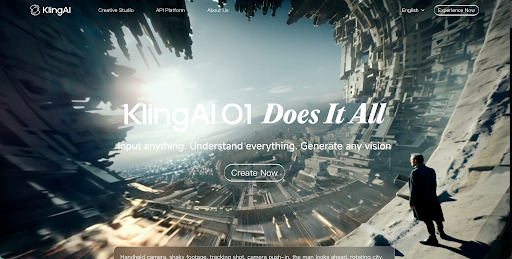
Kling AI remains one of the most relevant creator-facing video names, and Artificial Analysis includes multiple Kling 3.0 variants in its model comparisons. Current rankings place Kling 3.0 among the stronger text to video systems, especially for creators who care about camera movement and shot-level control.
Kling is especially useful when you want text to video results that still feel directed rather than random. It is a strong choice for creators who care about movement, scene framing, and more deliberate prompt design.
Pros
- Strong current relevance with Kling 3.0
- Good fit for more directed prompt control
- Useful for cinematic and creator-led formats
- Recognizable model across multiple platforms
Cons
- Less beginner-friendly than simple apps
- Prompt quality matters a lot
- Better for active prompt tuning than casual use
Sora——For High-Visibility Cinematic Concepts
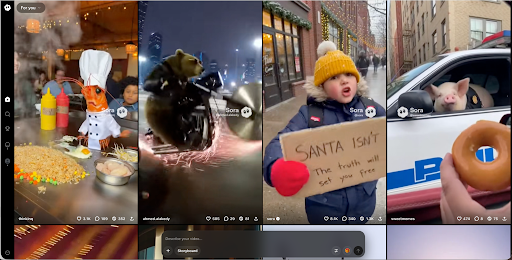
Sora is still one of the most recognizable names in AI video. OpenAI presents it as a system that generates video from text and uploaded images, and it remains one of the most discussed tools for cinematic AI video concepts.
For creators, Sora makes the most sense when the goal is a standout scene, a dramatic intro, or a concept-heavy short video. It is less about broad workflow and more about visual ambition and attention-grabbing moments.
Pros
- Major name recognition in AI video
- Good for cinematic concepts and standout moments
- Useful for hook-heavy or visual-first content
- Strong fit for creators chasing big visual scenes
Cons
- Better for standout scenes than full channel workflows
- Access and product availability can shift
- Less practical than workflow-first tools for repeat publishing
Runway——For Creators Who Want Models Plus Workflow
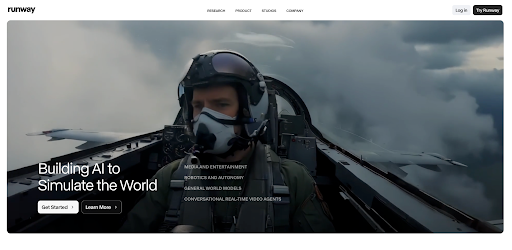
Runway belongs in a natural text to video roundup because it is one of the clearest creator platforms connecting major video models to actual production workflows. Its current product pages highlight top-rated video generation, strong creative control, and access to multiple models inside a broader creation environment.
That makes Runway especially useful for creators who want text to video generation but also care about iteration, editing, and production flexibility. It is less about one single model and more about a strong creator environment.
Pros
- Strong creator workflow around major video models
- Useful for teams and advanced creators
- Good fit for text to video plus iteration
- More flexible than single-model products
Cons
- Heavier than simple consumer tools
- Can feel complex for beginners
- Costs can rise with frequent use
InVideo AI——For Fast Drafting and Volume
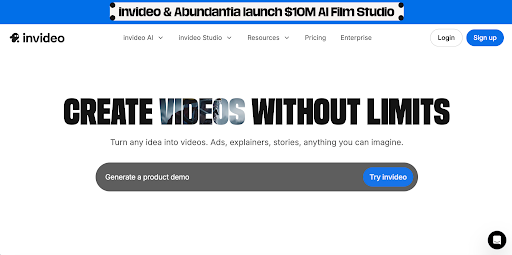
InVideo AI is a believable mainstream pick because it is built around turning ideas into finished videos quickly. Its product focuses on prompt-based creation with scripts, media, subtitles, music, and voiceovers in one flow, which makes it useful for creators who care about output speed.
That makes it especially practical for Shorts, explainers, recaps, and social campaigns where the main goal is to move from prompt to publishable draft fast instead of fine-tuning every cinematic detail.
Pros
- Fast from prompt to finished draft
- Beginner-friendly workflow
- Good for recaps, explainers, and social content
- Strong fit for creators who publish frequently
Cons
- Less model-focused than top-ranked video systems
- Can feel more template-led than cinematic
- Advanced creators may want deeper prompt control
PixVerse AI——For Short Social Text to Video Clips
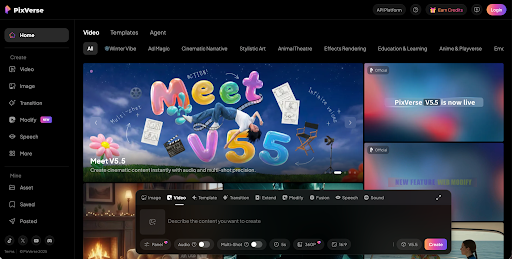
PixVerse remains one of the better-known social-first AI video tools. Its official product pages position it around turning text prompts or photos into short AI videos, and recent materials highlight its v4.5 model and focus on fast creative output.
That makes PixVerse a natural choice for short-form creators who care more about speed and visual punch than premium cinematic workflow. If you are making Reels, Shorts, and fast hook-driven content, it is one of the more practical names in the market.
Pros
- Good for fast short-form text to video clips
- Useful for Reels, Shorts, and social promos
- Better suited to quick testing than heavy production
- Strong for hook-driven content
Cons
- Best for short formats
- Less suitable for deeper long-form workflows
- Lighter on editing and production support
Hailuo AI——For Clean, Watchable Short Videos
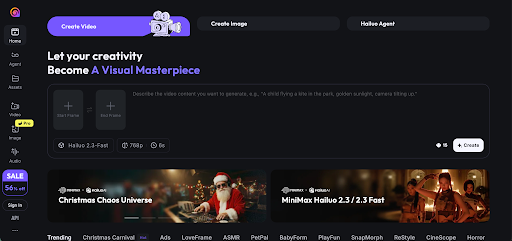
Hailuo AI is still a recognizable name in AI video discussions, and public product pages describe it as a video generator from text and image prompts across web and mobile-style experiences.
That makes it useful for creators who want smoother, cleaner short outputs without needing a very heavy workflow. If your prompts are simple and your goal is a polished short clip, Hailuo is worth considering.
Pros
- Good for clean short-form text to video output
- Useful for quick social and product clips
- More direct than heavy workflow suites
- Strong fit for simple prompt structures
Cons
- Less end-to-end than workflow-first platforms
- Better for clips than full channel systems
- Prompt quality still matters a lot
Conclusion
The best text to video tool depends on what kind of creator you are. Some people want the top-ranked model. Some want stronger control. Some want premium polish. Some want a workflow that can actually support regular publishing. Artificial Analysis makes one thing very clear right now: HappyHorse and Seedance are at the top of the quality conversation, while Veo remains one of the most important premium mainstream names.
Videoinu stands out here because it is easier to place inside a repeatable creator workflow, especially for story-led and faceless formats. If you want a text to video setup that supports ongoing channel output instead of just one-off prompt tests, it is a practical place to start.
FAQS
What is a text to video AI tool?
A text to video AI tool turns written prompts into generated video clips, often with options for audio, camera movement, or style control.
Which text to video model ranks highest right now?
Artificial Analysis currently shows HappyHorse-1.0 at the top of its text to video rankings, with Dreamina Seedance 2.0 close behind.
Which tool is good for premium-looking text to video clips?
Veo is one of the strongest premium names because Google positions Veo 3 as a high-quality video model with native audio generation and broader creator-facing deployment.
Which tool is good for fast social content?
PixVerse AI and InVideo AI are both useful for creators who want faster, more lightweight text to video workflows for social content.