In the modern digital landscape, video has become the most powerful storytelling medium. From content creators and marketers to educators and influencers, everyone relies on engaging visuals to communicate ideas and connect with audiences. But creating polished videos no longer requires expensive software or complex editing suites. Thanks to modern online platforms, anyone can now master video editing right from their browser — fast, simple, and completely free.
Why Video Editing Matters More Than Ever
Video editing is not just cutting and joining clips — it is the process of crafting raw images into engaging stories. Good editing improves mood and pace and clarity, and keeps audiences engaged from the first frame to the last. Whether you’re creating a YouTube channel, promoting your brand, or making content for social media, editing is crucial in shaping your style and what you say.
Benefits of Using Free Online Video Editing Tools
Online video editors are changing the way creators work. Unlike conventional desktop software, which requires installing the programs, paying for a subscription, and having a powerful processor, these are lightweight tools that run in your browser, are easy to use, and accessible to just about everyone. Here’s what makes them the go-to option for both novices and professionals:
- No Downloads or Installations: Everything is done in your browser, so there’s no need to wait for software to download or install , and it makes the processing faster.
- Easy-To-Use Interface – The majority of online editors incorporate drag-and-drop templates that make editing a breeze.
- Multi-Platform Usage – Work on videos from your PC, tablet, or phone.
- Cloud Storage – Work on your projects from anywhere; you do not need to worry about losing files.
- Absolutely Free – Tens of millions of people use professional-quality tools for free on these platforms, ideal for those just starting out or small teams.
All these advantages contribute to making online editors a convenient and cost-effective option for video editing, as opposed to downloading software.
Step-by-Step Guide to Editing Videos Online
Let’s walk through the process of crafting high-quality videos using online tools:
1. Upload Your Raw Footage
Start by uploading your video files from your device or cloud storage. Most online editors have multiple formats available, so you should not encounter any compatibility problems.
2. Trim and Cut Unnecessary Parts
The first step to professional editing is to cut out the crap. The important thing is to make your clips short and to the point. Fine cuts make your whole message be crisp and to the point.
3. Add Transitions and Filters
Transition enable videos to play progressively between scenes; filters can be used to color tone or mood. Apply them professionally to look really good.
4. Insert Text, Subtitles, and Captions
Text overlays and captions boost viewer engagement, particularly on social media where videos autoplay in silent mode. Choose legible typefaces and consistent formatting.
5. Include Background Music or Voiceovers
Sound is important to the emotional impact. Select royalty-free background music or add a voice-over with narration across the story.
6. Export and Share
When you’re happy with your edit, export your video in the format you want — MP4 is the most widely supported. Some even allow you to export in specific aspect ratios for YouTube, TikTok, or Instagram.
Top Features to Look For in Free Online Editors
Make sure it has the following essential elements as you choose a platform:
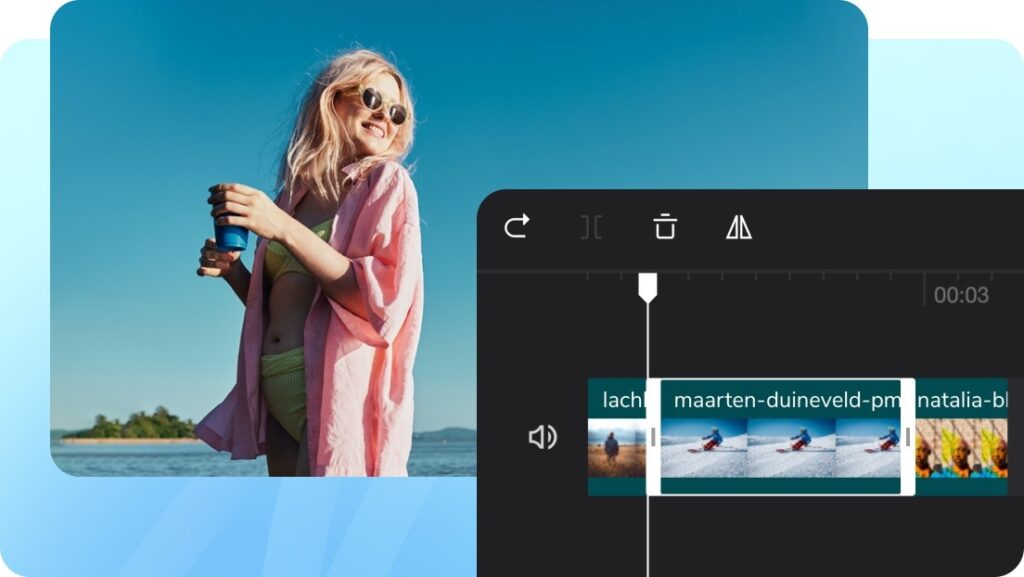
- Drag-and-Drop Timeline: Streamlines the editing process.
- Multiple layers: Clips, text and effects can be layered together.
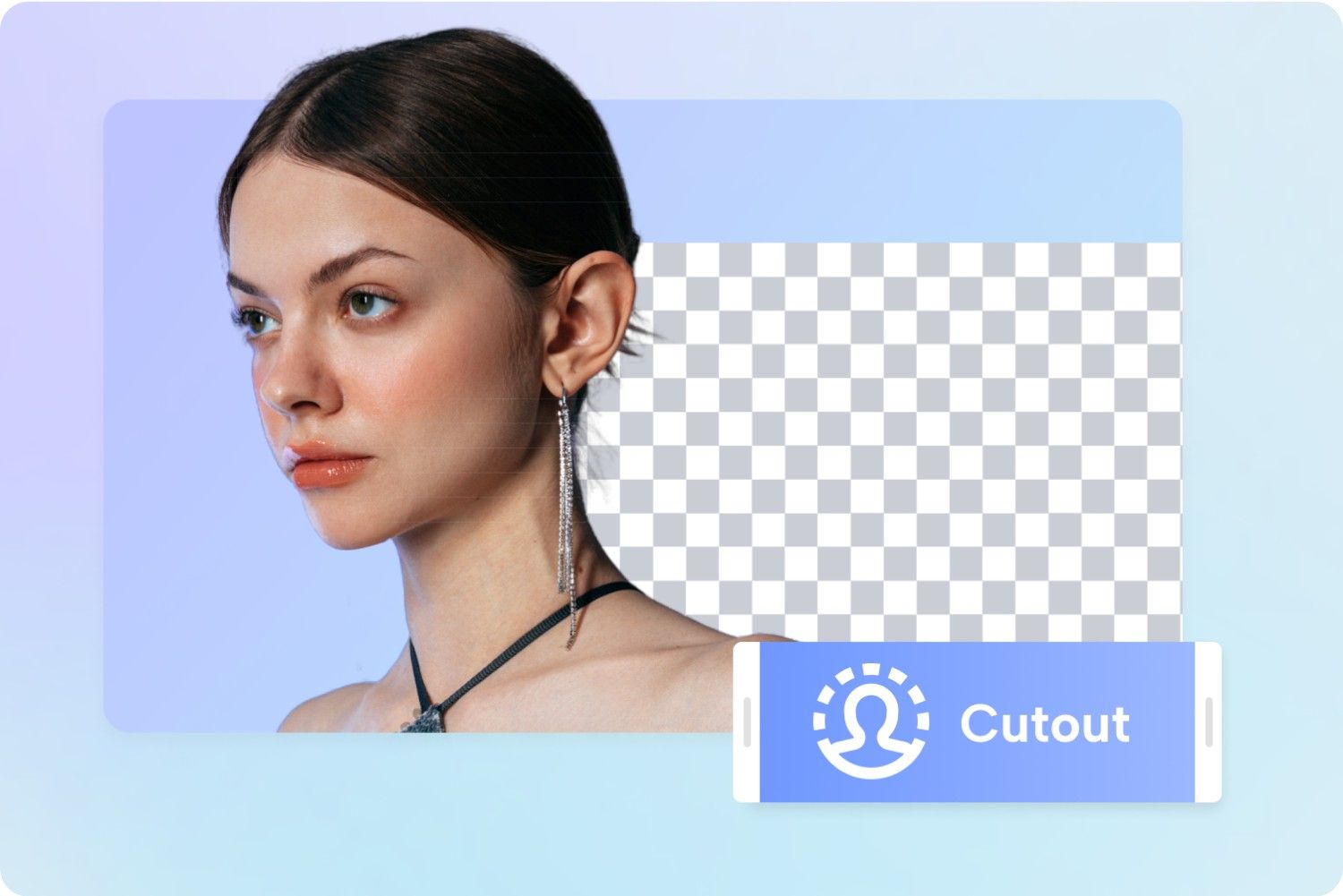
- AI-powered tools: Automatic captions, background removal and smart cutting tools help you save time.
- Real Time Preview: enables you to see the edits in real time.
- Quality options for export: select the resolution from 480p to 4K.
These features give you full flexibility when you create short social reels or in-depth tutorials.
Tips for Creating Professional-Looking Videos
For a polished and cinematic feel to your videos:
- Plan ahead: Write a basic script and storyboard.
- Keep shots steady: Use a tripod or gimbal to prevent shaky footage.
- Pay attention to lighting: Quality is better with natural light or soft, indirect artificial light.
- Stay consistent: Stick to the same colour scheme, fonts, and transitions throughout your content.
- Make it brief: Internet viewers like short videos they can learn from.
If it’s good, even a brief clip can stay with you.
The Future of Online Video Editing
AI and cloud technology have revolutionized the way creators make and edit videos. Today’s web-based editors feature smart trimming, automatic scene detection and smart effects that minimise manual work. These innovations are enabling creators all over the world to infuse everyday content with professional production value.
Whether you are creating travel vlogs, tutorials, or social media buzz, you have nothing to lose and every mission to complete. The future of editing is browser-based — fast, smart and for everyone.
Conclusion
Creating professional videos no longer demands expensive tools or advanced technical skills. With the latest browser-based platforms, mastering editing is easier than ever. Whether you’re trimming clips, adding text, or enhancing visuals, using a video editor free helps you create stunning results without cost or complexity.
Start exploring today, and turn your creative vision into beautifully edited stories that engage, inspire, and grow your audience.
Frequently Asked Questions (FAQ)
1. Is it possible to do professional editing online?
Yes, most of the free online editors are equipped with advanced features such as AI background removal, transitions, text effects, etc which makes them professional enough to handle any video editing task.
2. How do I know my files are safe using online video editing?
Reliable platforms protect your videos using a secure cloud environment. Always go with known and trusted services.
3. Do I need a fast computer for editing online?
No Online editing tools can be quite demanding in terms of system resources, still, they can run on most laptops or mobiles, as the majority of the processing is done on the cloud.
4. Is it possible to export videos in HD or 4K for free?
Yes, there are many free services that offer HD exports and some even 4K, depending on the size of the project and the limits of the application.
5. Are there watermarks on free exports?
Most free versions may include minimal branding, but many tools offer watermark-free downloads without needing a paid plan.