


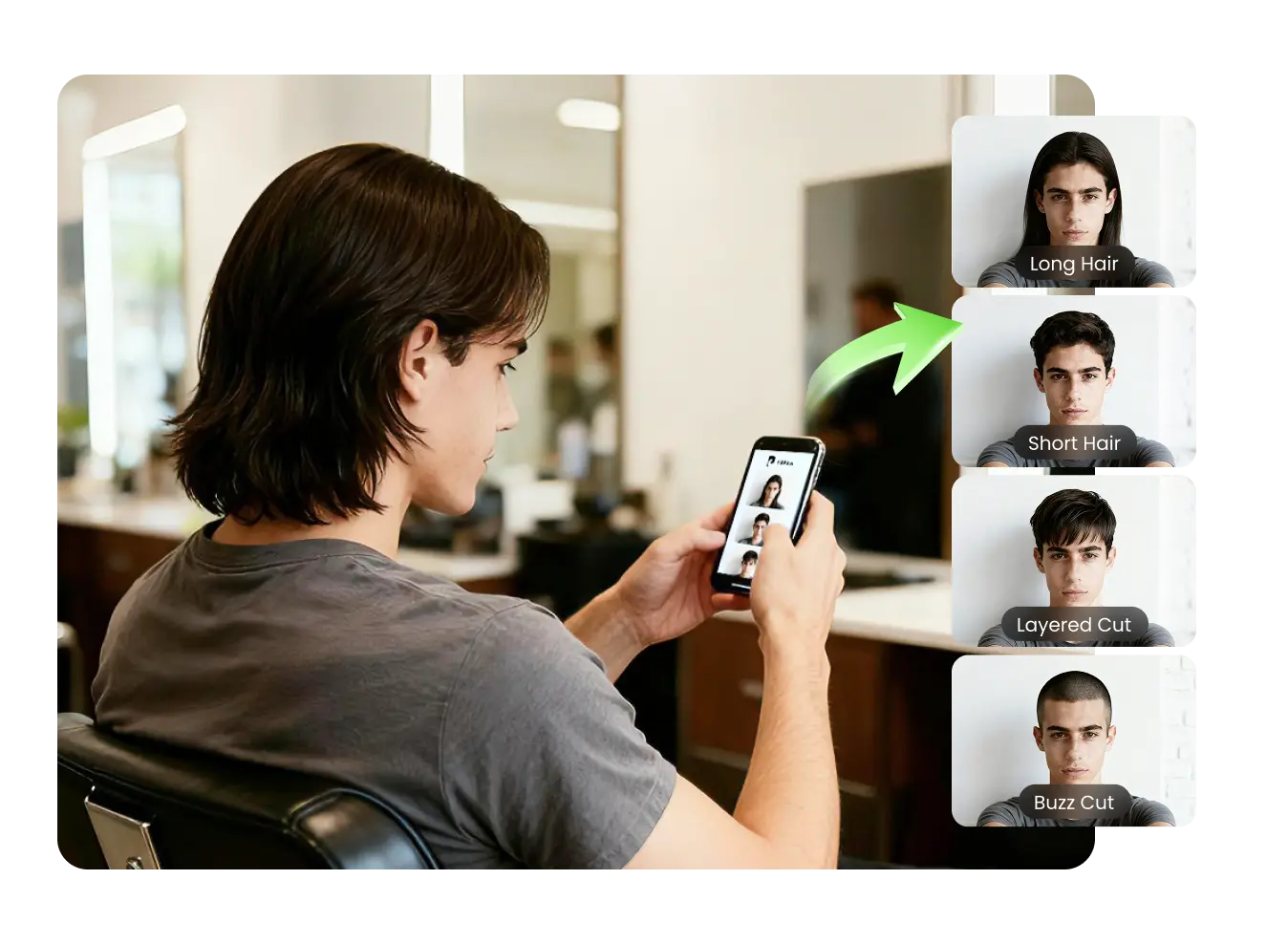
A convincing hairstyle image can feel like an answer. You see yourself with a different outline or color and immediately imagine the next appointment. Yet a generated picture answers a narrow visual question. It does not examine your real hair, reproduce every angle of your head, or establish the steps needed to create the style. Understanding that boundary makes the image more useful, not less.
You can evaluate a preview without specialist knowledge by asking five questions. The process is a way to distinguish a helpful illustration from an impression you are reading too much into. It also creates a clearer handoff between experimenting on a screen and discussing an actual change with a professional.
1. Which feature am I actually judging?
Begin by naming a single feature: the amount of forehead visible, the position of the ends, the broad color direction, or the width of the silhouette. If you cannot identify the feature, you may be reacting to the entire image rather than the hairstyle. That reaction can still be interesting, but it is harder to turn into an actionable preference.
Cover the lower part of the image for a moment, then look at the hair again. Consider whether a different expression, outfit, or background would change your reaction. The purpose is not to eliminate the emotional part of choosing a hairstyle. It is to understand which parts of that emotion are connected to the change you are considering.
Write a short observation instead of awarding a general score. “I like the space around my forehead” is more useful than “nine out of ten.” An observation gives you something specific to discuss even if the rest of the generated hairstyle is impractical or does not appeal.
2. What did the picture quietly change?
Compare the preview with its original portrait. Look for differences beyond the hair: the face outline, ear position, visible accessories, or the edge of the neck. Generative systems can introduce changes that influence your impression even when those changes are not what you requested. An attractive result should not prevent you from noticing them.
If an image seems to have changed an unrelated feature, reduce the weight you give it. You may still use a particular section as an illustration, but do not assume that the whole appearance comes from the haircut. Keep the original nearby so you can separate the intended experiment from incidental image variation.
This kind of checking is especially valuable when comparing several results. A version that appears more flattering may have changed something other than the hairstyle. That does not mean every image is unusable. It means the comparison needs attention rather than an automatic ranking based on first impressions.
3. Is this showing a preference or making a prediction?
A preview can help you discover that you enjoy a shorter-looking outline or a cooler color direction. Those are preferences. Predicting how your actual hair will respond to a cut or color is a different task requiring information that a portrait does not contain. Avoid turning the first kind of insight into the second kind of claim.
A browser-based AI hairstyle changer can be used for that exploratory stage. The image gives you material to react to; it should not become evidence that a real treatment will reproduce every visible detail. Treat it like a sketch in a planning conversation rather than a photograph from your future appointment.
Consider what remains unknown: how the back would be shaped, how the hair moves, what happens as it grows, and how much styling is involved. Listing those unknowns is productive. It tells you which questions belong in the professional consultation instead of encouraging more confidence than the image can support.
4. Can I explain the image without pointing at everything?
Try describing the useful part in two sentences. For example: “I am interested in this shorter edge around the face. I do not want to change the overall color.” That explanation separates the part you like from features that were merely present in the result. It gives a stylist room to interpret the idea sensibly.
If your explanation requires a long list of tiny corrections, the preview may not be the strongest reference. Look for a simpler way to communicate the central preference. A generated image does not need to be perfect to be useful, but its limitations should not overwhelm the point you are trying to make.
It can help to annotate a saved copy with one circle and one note. Resist marking every strand. Broad characteristics such as length, proportion, and direction generally communicate more clearly than a collection of minute details that may be artifacts of the rendering.
5. What needs to happen outside the screen?
The final question concerns the next practical action. If you are considering a haircut, prepare to discuss texture, growth patterns, styling habits, and the shape from different angles. If you are considering color, ask a professional about the starting point, realistic options, and upkeep. A visual preference is the beginning of that assessment.
Bring one or two useful references rather than a large gallery of unexplained results. Tell the professional which feature each image represents and where you are open to alternatives. Ask them to identify any part that is unrealistic or dependent on styling. Their response helps turn the illustration into a plan grounded in your actual hair.
You can also decide that the image is useful only as inspiration for now. Exploring a style does not create an obligation to pursue it. If the practical route does not fit your schedule or preferences, keep the feature you liked in mind and discuss a less demanding direction.
A picture is most useful when you know its job
The point of this five-question check is not to drain the fun from trying a different look. It is to give the experiment a clear role. A preview can reveal a preference, make a shape easier to explain, or help you prepare a focused question. It becomes less helpful when it is asked to guarantee a result it cannot establish.
Once you can name the useful feature, notice unrelated changes, separate preference from prediction, explain the image briefly, and identify the next real-world question, you have a workable reference. That is a stronger outcome than simply choosing the most polished picture. It connects the creative experiment to a thoughtful decision.