

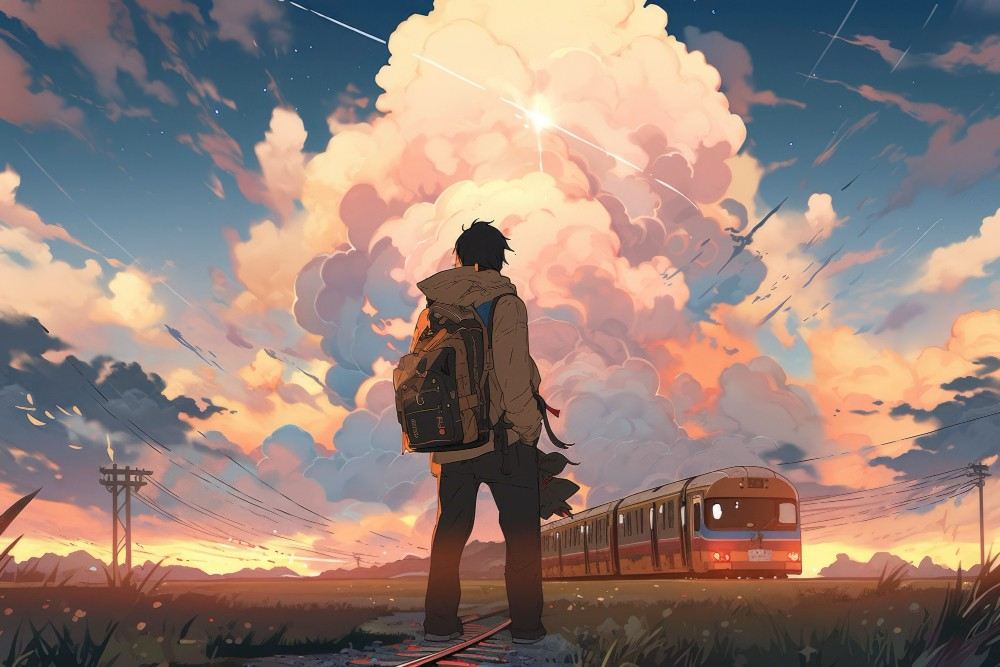
Anime and cartoon clips used to need a full animation team and weeks of drawing. AI tools now turn a script or a few character images into a short animated scene in minutes, but they differ a lot in style fidelity, character consistency and cost. This comparison ranks five of them in 2026 on anime quality, character control, pricing and ease of use, so you can pick the one that fits your story.
How Do You Choose an AI Animation Video Generator for Anime and Cartoon Content?
If you want to create anime and cartoon videos with AI, choose the tool whose strengths match your style, your characters and your budget. Five criteria matter most:
- Style fidelity. Does the output look like flat-shaded anime or cartoon art, or like realistic footage with a filter on top?
- Character consistency. Can you upload reference images so the same character appears across scenes?
- Motion and length. How long can a clip be, and does it support multiple shots?
- Pricing and limits. Check credits, watermarks and what the free plan really allows.
- Anime-specific tools. Presets save far more time than a blank prompt box, so look for a tool that lets you generate anime videos from ready-made anime styles.
1. Pollo AI: Best Overall for Anime and Cartoon Videos
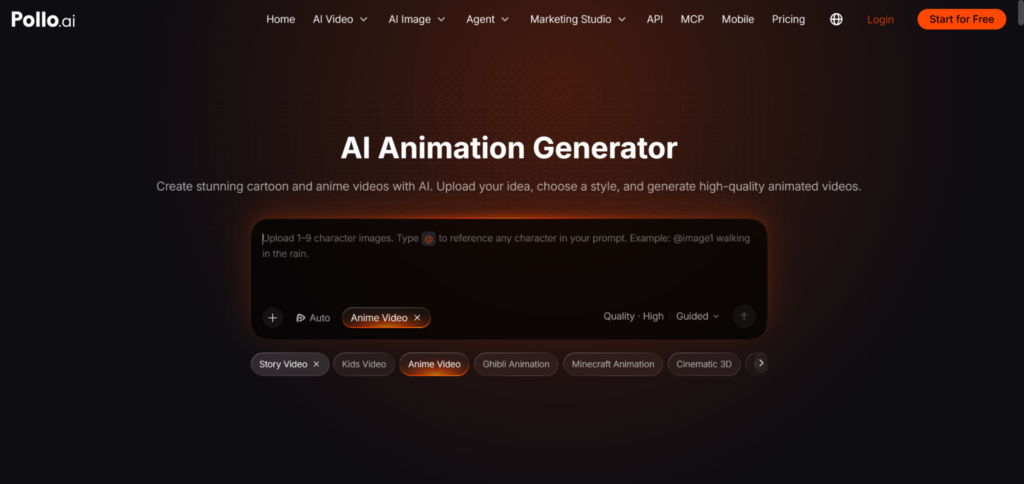
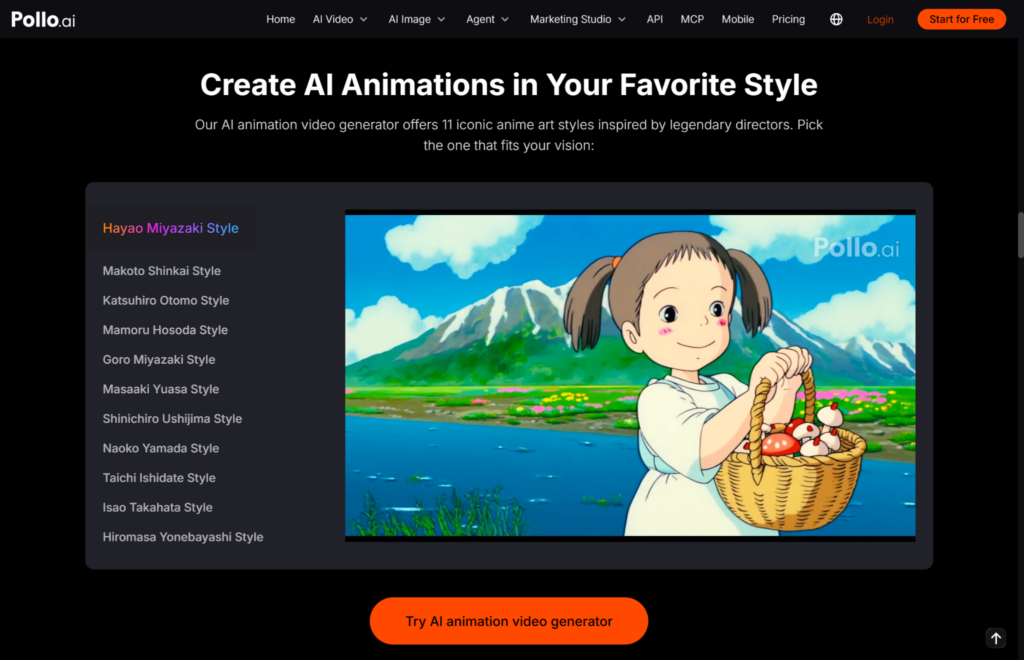
Pollo AI is the best overall pick because it is built around anime and cartoon output rather than general footage. Its animation generator offers styles such as anime video, story video, kids video, Ghibli-style animation, Minecraft animation, cinematic 3D and game trailers. It also includes 11 anime art styles inspired by well-known Japanese directors.
In character-based control, you could upload between one and nine character images and reference each one in your prompt with the @ symbol. The workflow has 3 steps: enter a prompt, select a style, then click Generate and Download. A free plan is available; paid plans start at $12 a month billed annually (Lite: 400 credits).
Downside: free outputs carry a Pollo AI watermark, and complex scenes may need a few prompt iterations.
2. Vidu: Best for Anime Specialists
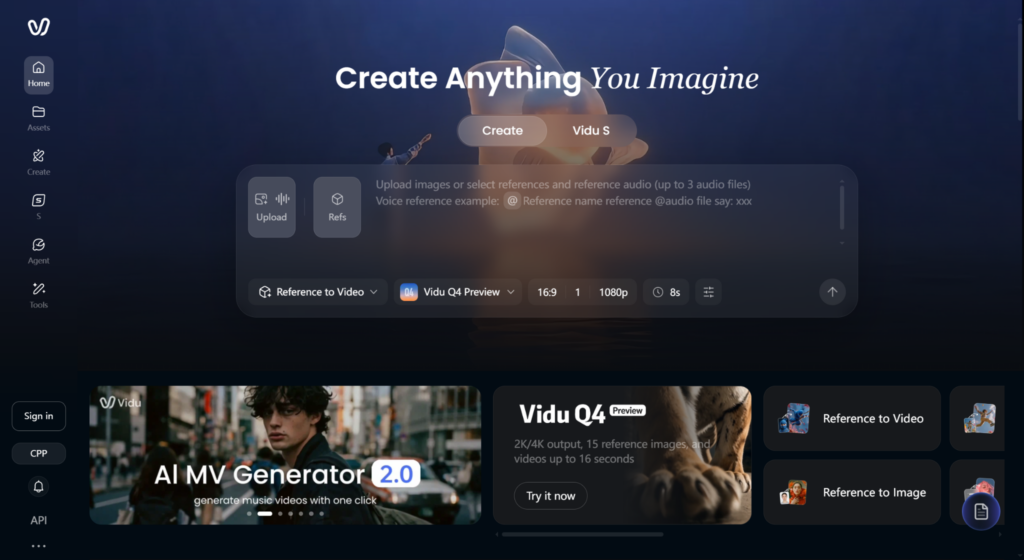
Vidu is best if anime is your main focus. Reviews highlight its anime art-to-video feature and multi-reference consistency, which helps keep characters stable. It also includes a sound effects generator. A free plan with limited credits exists, and Standard starts around $8 a month billed annually for 800 credits.
Downside: it is mainly a clip generator, so you assemble longer stories yourself, and free credits run out quickly at higher quality settings.
3. Kling: Best for Smooth Motion and Multi-Shot Scenes
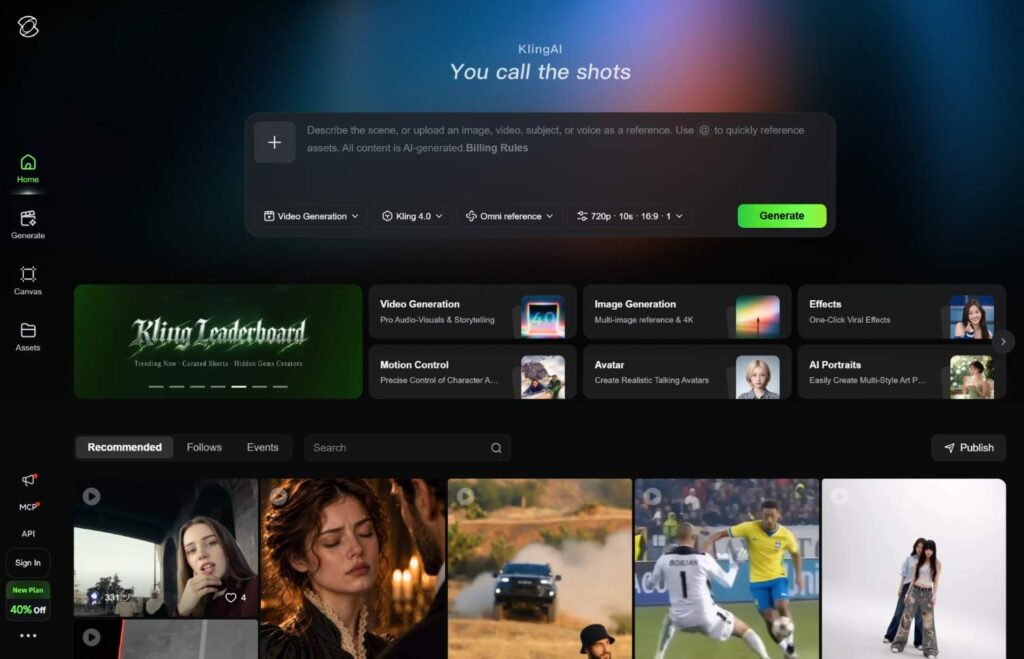
Kling is great for fluid motion and connected shots. With Element AI Multi-Shot, subscribers get up to three free uses a day, and the paid plans give you 1080p/4K generation, watermark removal and also unpaid premium content. Under the Standard subscription, you pay $6.99 for the first month, and thereafter $8.80 a month (660 credits), and Pro is $32.56 a month after being $25.99 in the first month (3,000 credits). Kling 4.0 will be available on Pro and above.
Downside: reviewers praise its realistic people more than its anime styling, and Standard works out to about $1.06 per 100 credits, so longer or repeated clips add up.
4. Hailuo AI: Best for Fast, Budget Clips
Hailuo AI is great when you want something fast and low cost. Hailuo 2.3 is great at anime-style motion and expressions; create up to 10-second clips at 1080p, and it often shaves the time saving down to under two mins. The paid plans start at about $9.99 a month.
Downside: it only makes clips, and its credit costs are hard to predict.
5. Runway: Best for Directed Shots and Character Animation
Runway is the best choice for creators who want to take things word for word. With its motion brush and camera controls and the Act-On tool that animates characters based on performance footage. Standard starts at $12 per month with 625 credits, which allows for roughly 52 seconds of Gen-4.5 video.
Downside: its look leans cinematic rather than flat anime, and credits burn quickly at the top model.
Which AI Animation Video Generator Should You Pick?
Pick by workflow: anime-first, motion-first, budget-first or control-first.
| Tool | Best for | Listed entry price | Main limit |
| Pollo AI | Anime and cartoon styles with character references | $12/mo, billed annually | Watermark on free plan |
| Vidu | Anime art to video | About $8/mo, billed annually | Clip-only output |
| Kling | Multi-shot motion | $6.99 first month, then $8.80/mo | Realism-leaning style |
| Hailuo AI | Fast, low-cost clips | From $9.99/mo | Unclear credit costs |
| Runway | Directed shots | From $12/mo | Credits go fast |
Prices change often, so check each pricing page before you subscribe.
Ready to Make Your First Anime Clip? Try Pollo AI
Start with one short scene. Upload a character image on Pollo AI, write a one-sentence prompt, pick a style and generate. Compare the result with what you pictured, adjust the prompt, and repeat. Within an hour, you will know whether the workflow fits your stories.