


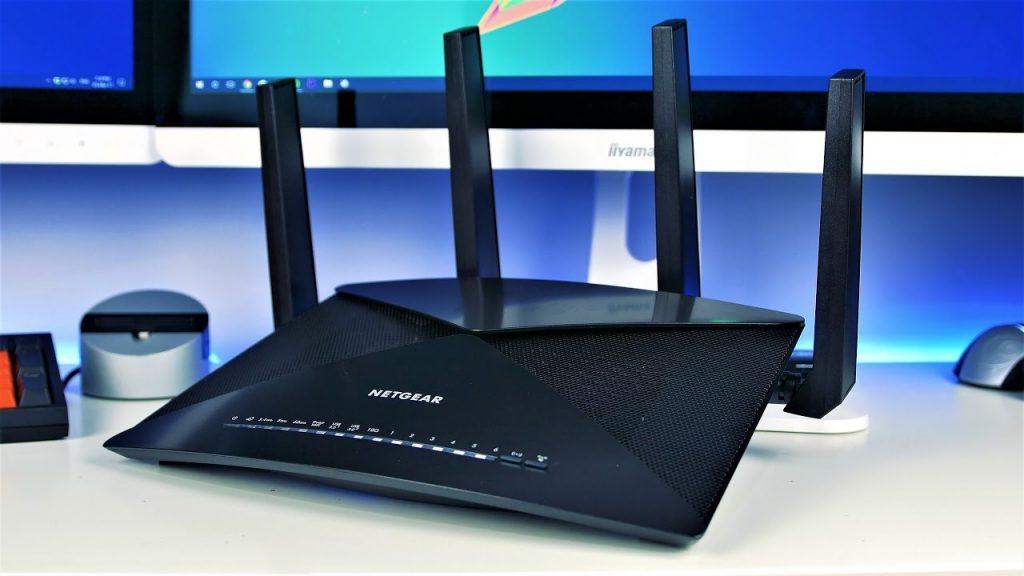
Trying to access routerlogin.net but continuously seeing error pop-ups? Don’t sweat over it! The good news is that you can fix the issue within minutes! Wondering how? This post will let you know! Here, we will shed some light on effective and proven troubleshooting hacks to resolve the routerlogin.net not working issue. Let’s take the plunge.
Fixed: Can’t Access Routerlogin.net
You may fail to access www.routerlogin.net login web page because of the corrupted firmware on your router. Furthermore, a corrupt browser cache or incompatible browser may also prevent you from accessing the login portal.
Before proceeding with the troubleshooting tips, make sure that you are making use of the correct username and password to log in to your Netgear WiFi router. Apart from that, disconnect your system from other wired and wireless connections. Keep in mind to disable all ad-blocking extensions and pop-up blockers of your web browser.
If all the aforementioned things are in their place, go through the troubleshooting steps to fix the issue:
- Restart Your Netgear WiFi Router and Modem
routerlogin.net access issues can occur because of a temporary software glitch. It is quite common and can fall out every now and then. Rebooting your router and modem can fix this glitch. Here are the do-follow steps:
- Disconnect all devices that are currently connected to your Netgear router.
- Remove the power adapter of your router from the wall socket.
- Power off your modem as well.
- Wait for some time.
- After that, plug your modem back in again and turn it on.
- Turn on your Netgear WiFi router.
After doing so, try accessing routerlogin.net web page and see if the issue is now fixed.
- Opt for a Different Connection Mode
You may experience the issue if the connection mode (wired or wireless) of your device is not configured in the right way. Or maybe the router is not letting the specific mode access its settings page. In such a case, you need to use a different connection mode.
- In the event that you are facing problems with the wireless connection, use an Ethernet cable to connect your router and modem.
- Similarly, in case you experience issues with the wired network, switch to a WiFi connection and see if you can now access Netgear login portal.
- Clear the Browser’s Cache
Like many other applications, your web browser utilizes a cache to speed up things and enhance the user experience. You won’t be able to access routerlogin.net if your browser cache is corrupt. In this scenario, deleting the cache of your browser may help you fix the routerlogin.net not working issue.
The steps to clear cache may differ as per your web browser. For instance, if you are using Chrome browser, click on the Menu icon and go to More Tools. Now, click on the Clear Browsing Data option. Choose the categories you like to delete and then the time range. Finally, click on the Clear Data button.
- Try Another Browser or Use Incognito Mode of Your Browser
The Netgear WiFi router login issue can occur due to a bug (which is not yet fixed!) in the browser you use. In that case, you can use another browser to get rid of the issue.
On the off chance if you don’t want to delete the cache or cookies, you may opt to use the incognito or private mode of your browser. Moreover, remember that there should not be enabled extension in the incognito mode.
- Try Another Device of a Different OS
Routerlogin.net login can be an OS-specific problem. In this scenario, it is recommended to use another device of a different OS to resolve the issue.
- In the event that you encounter issues on your Mac or Windows PC, try using mobile browser on your Android device. Or you can use the Nighthawk router app to log into your WiFi router.
- Just in case you are experiencing Netgear WiFi router login issues on your Android device, use a Mac or PC to verify whether you can access routerlogin.net.