

Are Free Instagram Follower Apps Safe? What Actually Happens After You Install One
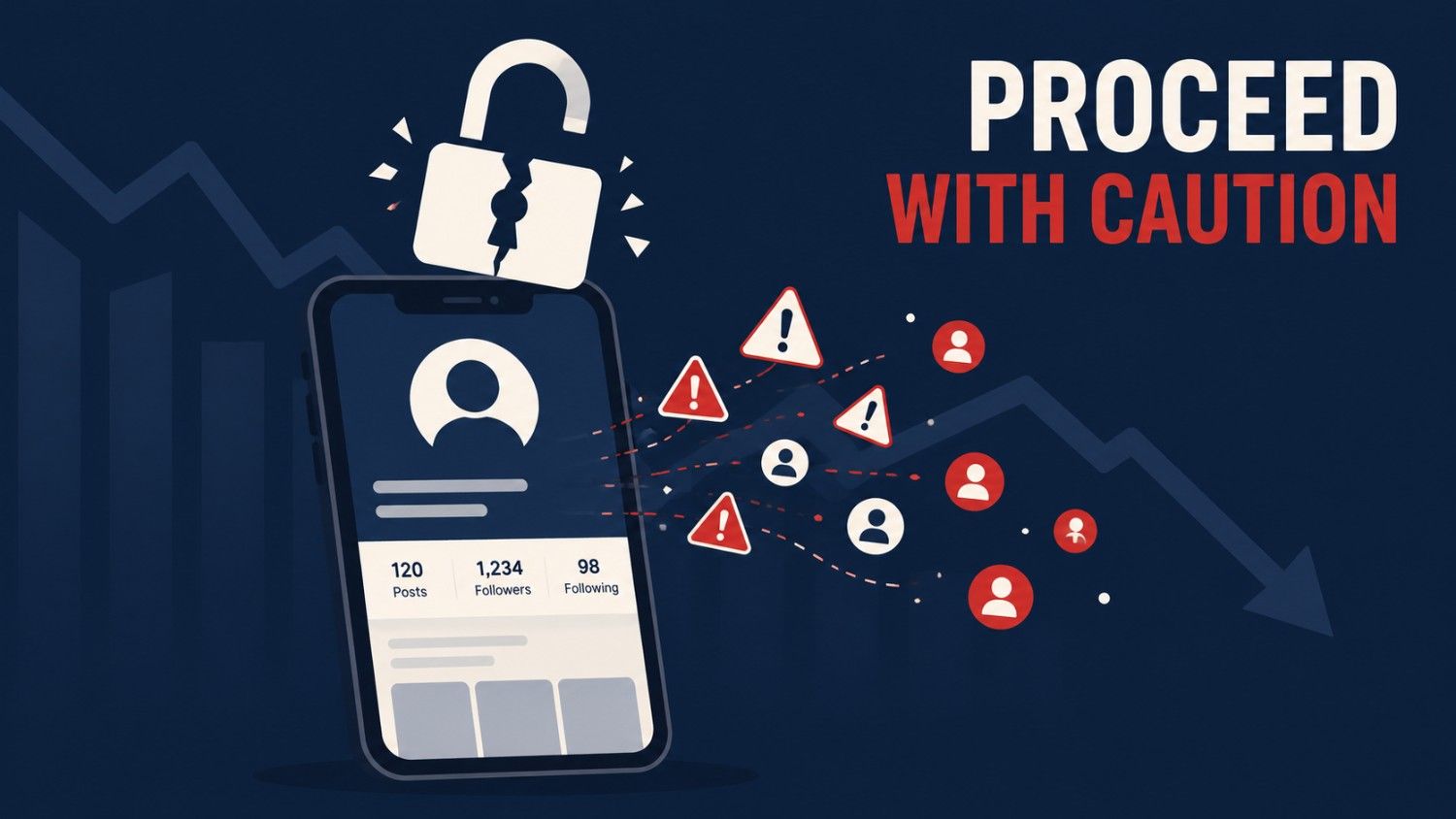
No. Free Instagram follower apps are not safe. Every app in this category requires access to your account, violates Instagram’s Terms of Use, and puts your account at risk of spam activity, action blocks, or permanent bans. The followers they deliver are bots or coerced accounts, and Instagram removes them in routine purges.
That’s the answer. The rest of this article explains the mechanics, because understanding why these apps fail is what stops you from trying “just one more” that promises to be different. It never is. I’ve audited the sites that promote these apps and helped creators recover (and fail to recover) accounts damaged by them. Here’s the full picture.
How Follower Apps Actually Work
Marketing aside, every “free followers” app runs on one of three engines:
1. The exchange network. You install the app and log in with your Instagram credentials. The app then uses your account to follow and like strangers in the network. In exchange, other trapped accounts follow you. Your new followers are people who never chose you, run through the same app, and will unfollow or get purged. Meanwhile your account is performing hundreds of automated actions that Instagram’s systems are built to detect.
2. The bot farm. The app (or the site behind it) controls thousands of fake accounts and points a batch at you. These followers have no photos, no activity, and short lifespans. Instagram removes inauthentic accounts continuously, so the number drops within days or weeks.
3. The pure harvest. Some apps deliver nothing at all. The product is your password. Once submitted, your account can be resold, used to spam, or held for ransom.
Notice what all three have in common: the app needs your login. That single requirement is the whole problem.
The Password Is the Trap
Instagram’s Terms of Use prohibit sharing your password or letting third parties access your account. This isn’t fine print trivia. It has two practical consequences:
First, detection. When a follower app logs in from a server farm and starts mass-following, Instagram’s systems see a login from an unfamiliar location followed by machine-speed activity. The typical sequence: a security warning, then action blocks (you can’t like, follow, or comment for hours or days), then temporary suspension, then, for repeat patterns, permanent ban.
Second, no recourse. Because you handed over the password voluntarily and broke the terms by doing it, you’re in the weakest possible position if the account is stolen. Appeals exist, but you’re asking for grace, not exercising a right.
There’s a distribution problem stacked on top. Most of these apps aren’t in the Play Store or App Store because both stores prohibit fake-engagement tools. They’re sideloaded APK files from random websites, which means no store security review ever examined the code. You’re installing unvetted software and giving it your credentials in one move.
“But This One Says It’s 100% Safe”
They all say that. Here’s the pattern to internalise: the safety claim is part of the scam. No legitimate service can promise Instagram followers without violating Instagram’s rules, so any app claiming both “free followers” and “totally safe” is lying about at least one of them. Usually both.
This isn’t a gray area even at the corporate level. The FTC’s action against Devumi, a company that sold fake followers and engagement, established that selling fake social media influence is illegal deception in the US. The industry that supplies these followers is the same industry that regulators prosecute.
You’ll often find these apps promoted through review-style blog posts on multi-niche sites. In my audit of one such site, kongotech.org, third-party follower tools were among the content categories I rated lowest on trust, precisely because the reviews read like recommendations while the products violate platform rules. If a blog is steering you toward an APK, apply the checks in my website trust guide to the blog itself. The result is usually clarifying.
The Damage Timeline: What to Expect If You Already Installed One
If you’ve already used a follower app, here’s the realistic sequence and what to do at each stage.
Within hours, unfamiliar likes and follows appear in your activity. The app is using your account. Act now: change your Instagram password immediately, which cuts off the app’s session. Then go to Settings → Security → Apps and Websites and revoke anything you don’t recognise, and enable two-factor authentication.
Within days: possible action blocks. You’ll see “Try again later” messages when you like or follow. These usually expire in 24 hours to a few days if the automated activity has stopped. Don’t fight the block with more activity; that extends it.
Within weeks: follower purge. Whatever bot followers you gained will start disappearing as Instagram removes inauthentic accounts. Your count drops, sometimes below where you started, because engagement-exchange behaviour can cost you real followers, too.
Worst case: account compromise or ban. If you’re locked out, use Instagram’s official recovery flow at instagram.com/hacked. Recovery often succeeds for simple password theft and rarely for accounts that were used for heavy spam before you noticed. I’ve seen three-year-old accounts with real audiences lost this way. That’s the actual price of the “free” followers.
What Works Instead
The uncomfortable truth is that legitimate growth is slower and requires actual work, but it compounds and it’s yours. A realistic benchmark: one documented case study showed roughly 350 real followers gained over 60 days of consistent organic posting. That’s what real numbers look like.
The safe toolkit:
- Instagram’s own @creators resources for algorithm-compliant tactics straight from the platform
- Scheduling tools with official API access like Buffer or Later, which never need your password because they use Instagram’s approved login system. That’s the difference that matters: authorized apps use official OAuth login; scam apps ask you to type your password into their own screen
- Consistency over hacks: regular posting, replying to comments, and formats that the platform is currently promoting
If a tool’s pitch is speed, it’s a risk. If its pitch is workflow, it might be legitimate. Run it through the five-minute trust audit before connecting anything to your account.
Still tempted by a specific “free followers” offer? Read why these promises are mathematically impossible before you install anything.
FAQ
Can Instagram ban you for using follower apps?
Yes. Automated following, liking, and fake-follower services violate Instagram’s Terms of Use. Typical enforcement escalates from warnings to action blocks to temporary suspension to permanent bans for repeated or severe activity. Accounts used for heavy spam by an app can be banned even if you didn’t perform the actions yourself.
Do any free follower apps actually work?
They can inflate your number temporarily. The followers are bots or exchange-network accounts; they don’t engage, and Instagram removes them in ongoing purges. Meanwhile, a low engagement-to-follower ratio makes the algorithm show your content to fewer people, so the net effect is usually negative.
Is it safe if the app doesn’t ask for my password?
Safer, but check how it logs in. Legitimate tools use Instagram’s official authorization screen (you log in on Instagram’s own page and grant limited permission). If an app shows its own username-and-password fields, it’s capturing credentials regardless of what it promises. Never type your password anywhere except Instagram itself.
How do I remove a follower app’s access to my account?
Change your Instagram password first, which kills the app’s active session. Then open Settings → Security → Apps and Websites and revoke unfamiliar apps, turn on two-factor authentication, and delete the APK from your phone. Watch your activity log for a few days to confirm the automated actions stopped.
Why do blogs recommend these apps if they’re unsafe?
Money. Follower-app reviews attract huge search traffic, and many are paid placements or affiliate content rather than genuine testing. Before trusting any site’s tool recommendations, check whether it sells guest posts and whether its authors are real. A five-minute site audit usually answers the question.