


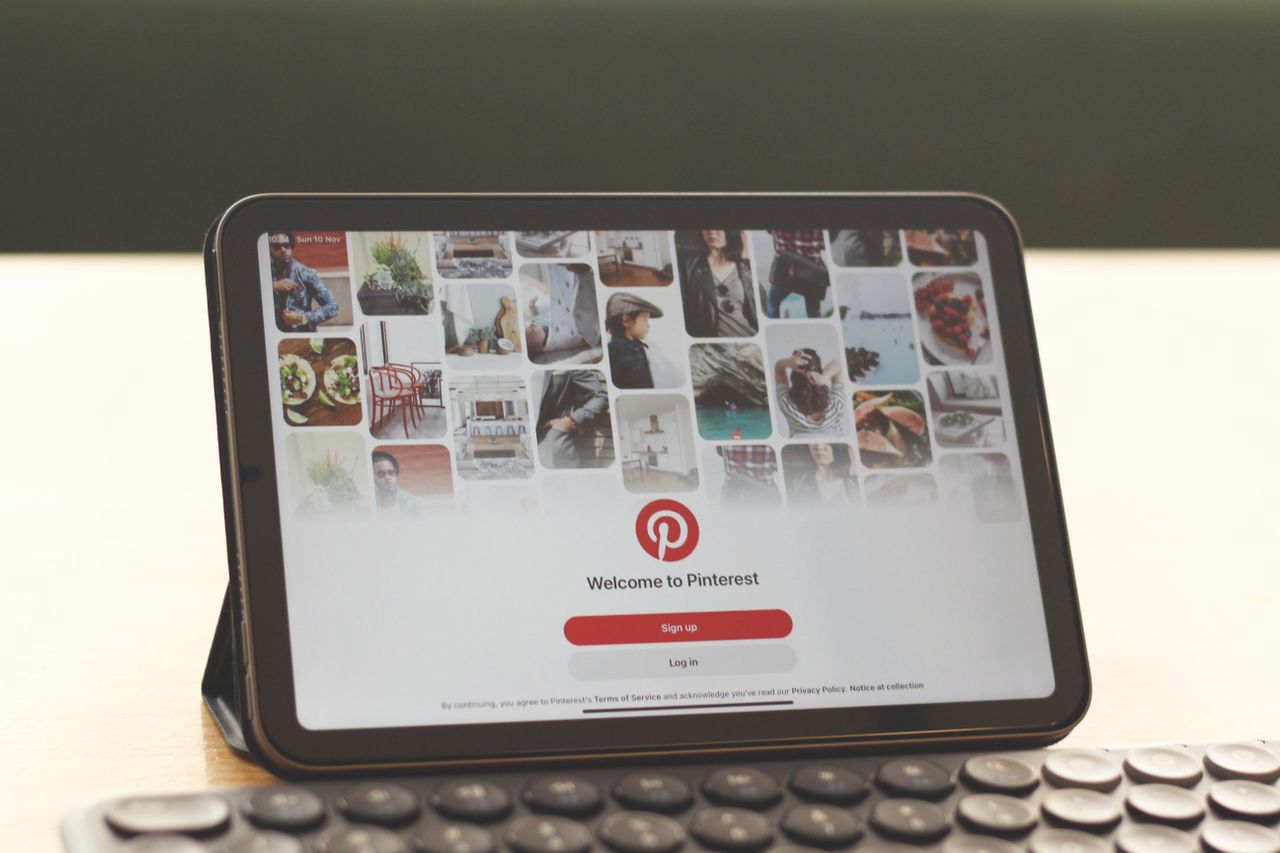
Every Pin you save on Pinterest lands on a board. The name you give that board decides how fast you find the Pin again. It also matters to other people. When a board is public, its name tells Pinterest what the board is about, and that helps Pinterest show it to people who want the same ideas.
Most boards start with a name typed in a hurry. “Stuff.” “Ideas.” “Yes!!!” A month later, you have 30 boards and no clue where last week’s soup recipe went. If you are still learning how to use Pinterest, get the basics of Pins and boards down first. Then come back here and clean up your names.
Below, you will find nine simple naming rules, real examples by topic, the steps to rename a board, and the mistakes worth skipping.
Why Board Names Matter More Than You Think
A board name looks like a small detail. In practice, it shapes how you use Pinterest every day.
You Find Saved Ideas Faster
Picture two boards. One is called “Food.” The other is called “15-Minute Lunches.” When you are hungry at noon, you know which one to open. A clear name works like a label on a kitchen jar. You don’t have to open it to know what is inside.
Pinterest Understands Your Board Better
Pinterest reads your board name and description to work out the topic. Its own guide to creating boards suggests using the words and phrases people would type for that topic, and it says the more specific, the better. A board called “Small Balcony Garden Ideas” sends a clear signal. A board called “My Happy Place” sends almost none.
Secret and Public Boards Need Different Thinking
A secret board is only for you and the people you invite. Name it any way that makes sense to you. Public boards are different. Other people see them on your profile and in results, so name them for the person looking for that topic, not just for yourself.
9 Rules for Pinterest Board Names
You don’t need all nine on day one. Start with the first four, and the rest will feel natural.
1. Use the Words You Would Type to Find It
Think about what you would type into the Pinterest search bar, then use those words. Start typing a topic and watch the suggestions that drop down. They show the phrases people use most. If “easy dinner recipes” pops up first, that is a stronger board name than “Yummy Eats.”
2. Keep Names Short and Clear
Pinterest limits how long a board name can be. Most guides put the cap at 50 characters, and the box simply stops you if you go over. Long names can also get cut off on small screens. Aim for two to five words. “Kitchen Storage Ideas” says enough.
3. Give Each Board One Clear Topic
A board called “Recipes and Travel” makes both topics harder to find. Split it into two boards. It feels like more work at first, but each board becomes much easier to use.
4. Choose Specific Over Cute
Cute names are fun to write and hard to use later. A quick before-and-after shows the difference.
| Vague name | Clear name |
|---|---|
| Things I Love | Minimalist Bedroom Decor |
| Yum | Healthy Breakfast Ideas |
| Someday | Japan Travel Itinerary |
| Fit Life | Home Workouts for Beginners |
| Work Stuff | Instagram Post Templates |
Want a little personality? Put it in the board description instead. The name can stay practical.
5. Put the Main Word First
Lead with the topic. “Kitchen Storage Ideas” works better than “Ideas for Storing Things in the Kitchen.” Your eye catches the first word as you scroll your profile, so the main idea should sit right there.
6. Use Sections Instead of Long Names
When a topic has many parts, keep the board name broad and add sections. A board called “Living Room Decor” could have sections for rugs, lighting, and wall art. That beats three long board names that all start the same way.
7. Match Names to Your Goal
If you use Pinterest just for yourself, names only need to make sense to you. If you run a blog or a shop, think about your readers. A food blogger might call a board “Gluten-Free Dessert Recipes” because that is what readers look for, even if “Sweet Things” feels more personal.
8. Add a Season or Year Only When It Helps
Seasonal words can be useful. “Christmas Table Decor” tells you exactly when the board matters. A year is riskier. “2026 Home Ideas” will look dated by next spring, and you will end up renaming it anyway.
9. Review and Rename Every Few Months
Your interests change, and your boards should too. Set a reminder every three or four months to review them. Merge near-duplicates, archive boards you no longer use, and fix names that no longer fit. It takes about ten minutes.
Board Name Examples by Topic
Use these as starting points and adjust them to your own interests. The “weak name” column shows the kind of names that tend to cause trouble a few months later.
| Topic | Weak name | Clear name | Section ideas |
|---|---|---|---|
| Home | House | Small Apartment Decor | Bedroom, Storage, Plants |
| Food | Food!! | Easy Weeknight Dinners | Chicken, Pasta, Meal Prep |
| Travel | Wanderlust | Italy Trip Planning | Rome, Florence, Packing |
| Style | Outfits | Casual Work Outfits | Summer, Winter, Shoes |
| Study | School | Biology Study Notes | Cells, Genetics, Exam Tips |
| Small business | Biz | Etsy Product Photo Ideas | Lighting, Props, Flat Lays |
| Fitness and social plans | Fun | Weekend Group Activities | Hiking, Game Nights, Fitness Classes |
A motto can also shape a board. SoSoActive, short for “Get Social, Go Social, Stay Active,” fits that last row well. It sums up a board that mixes group workouts, weekend outings, and local meetups. Keep the motto in the board description, and let the name do the practical job.
How to Rename a Pinterest Board
Renaming takes less than a minute, and your saved Pins stay on the board. On a computer:
- Click your profile photo in the top right corner.
- Click Boards.
- Open the board, then click the ellipsis icon next to the board name.
- Select Edit board.
- Change the name or the description.
- Click Done.
The app works the same way. Open the board, tap the ellipsis icon, edit the name, and tap Done. Pinterest’s edit a board help page has the full steps for each device.
Common Board Naming Mistakes
- Emoji-only names. They look nice but tell nobody what is inside.
- Inside jokes on public boards. Your best friend gets it. Nobody else does.
- Near-duplicates. “Recipes” and “Recipes 2” just split your ideas in half.
- Names that are too long. They get cut off on your phone.
- Old names on changed boards. If a board drifted to a new topic, rename it.
Final Thoughts
Good board names are not about being clever. They are about finding things. Pick plain words, keep one topic per board, and use sections for the details. Then open your profile, find your three messiest boards, and rename them today.
Frequently Asked Questions
Can You Change a Pinterest Board Name Later?
Yes. Open the board, choose Edit board, and type a new name. Your Pins stay where they are.
Do Board Names Affect Who Sees Your Pins?
For public boards, they can. Pinterest uses board names and descriptions as clues about your topic, and clear names give it better clues. Still, a name is only one signal among many. A good name helps, but it doesn’t guarantee reach.
How Many Boards Should a Beginner Start With?
Five to ten is plenty. Start with the topics you save most often, then add new boards when a real need comes up.
Should Secret Boards Have Keyword-Rich Names?
There’s no need. Only you and your collaborators can see a secret board, so name it in whatever way helps you find things.